


Frequently asked questions about the mobile app
As an Electrify America Pass or Pass+ member, if you’ve downloaded the Electrify America app and added a valid payment method to your account, you have two ways to start a charge by smartphone:
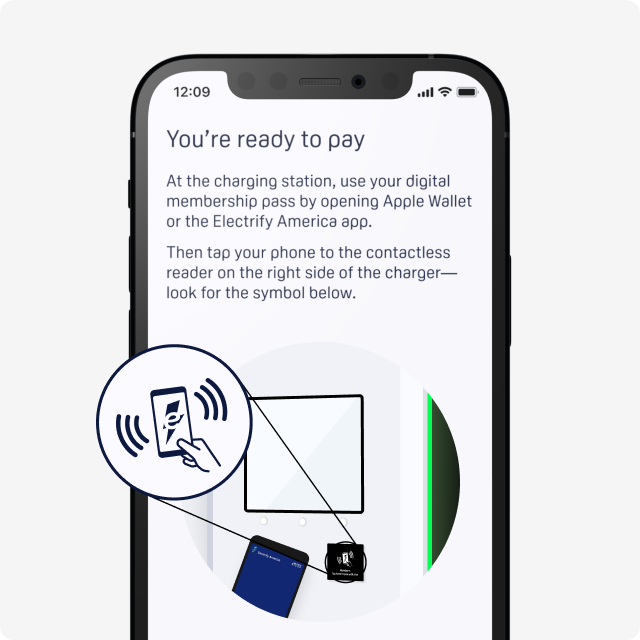
1. Using the digital membership pass, which requires tapping or holding the smartphone near the charger’s RFID reader.
- First, plug the connector into the vehicle. Follow all steps on the charger screen before tapping or holding your phone near the reader.
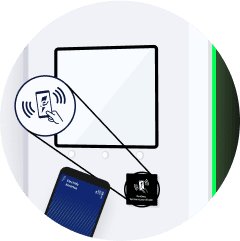
- Android users: Ensure that NFC is turned on in your phone settings and that the smartphone screen is unlocked before tapping the smartphone to the reader—look for the symbol below. The Electrify America app does not need to be open.
- iOS users: Open Apple Wallet or the Electrify America app. Tap the smartphone to the reader on the right side of the charger—look for the symbol shown here
2. Tap the "Start Charging" button from within the Electrify America app.
- Ensure that your smartphone’s location services are enabled, the Electrify America app is installed on your phone, and you are logged into your account.
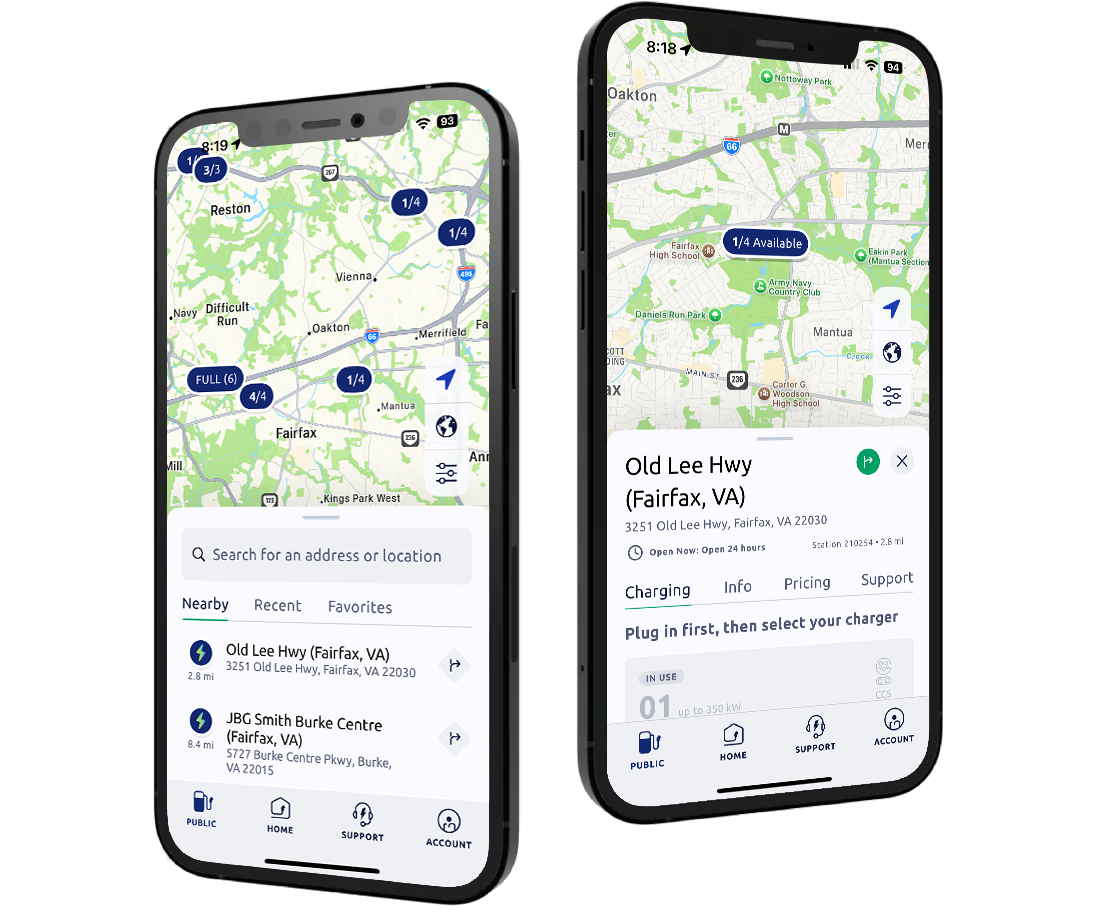
- Open the app and from the map screen (or your Favorites), select the charging station where you are located. You must be near the charger to start a charge.
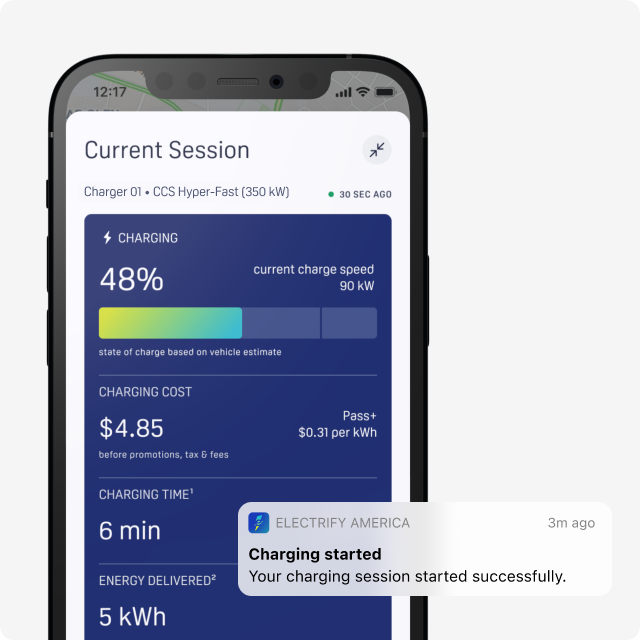
- Select the charger by referring to the Charger ID number at the top of the charger’s screen, and tap to start a charging session.
First, sign up for Electrify America’s Pass or Pass+ membership in the mobile app. After signing up, follow the prompts to add a debit or credit card to your account. All costs for charging, idling, and any applicable taxes will be charged to the payment method saved to your account at the end of your charging session.
To ensure sufficient funds are available, a temporary authorization hold in $20 increments will be placed on the card on file. You will only be charged for the actual cost of charging. Hold release times vary by bank.
If you’re a Pass+ member, your monthly subscription fee will be charged to your credit or debit card when you sign up and deducted monthly thereafter.
Any remaining account balance will automatically be applied to your charging session.
If your payment method declines during a charging session, please update it to continue charging your vehicle. If the payment method is invalid, charging will not proceed.
You can update your credit card in the Electrify America app under Account>Payments>Add a Payment Method.
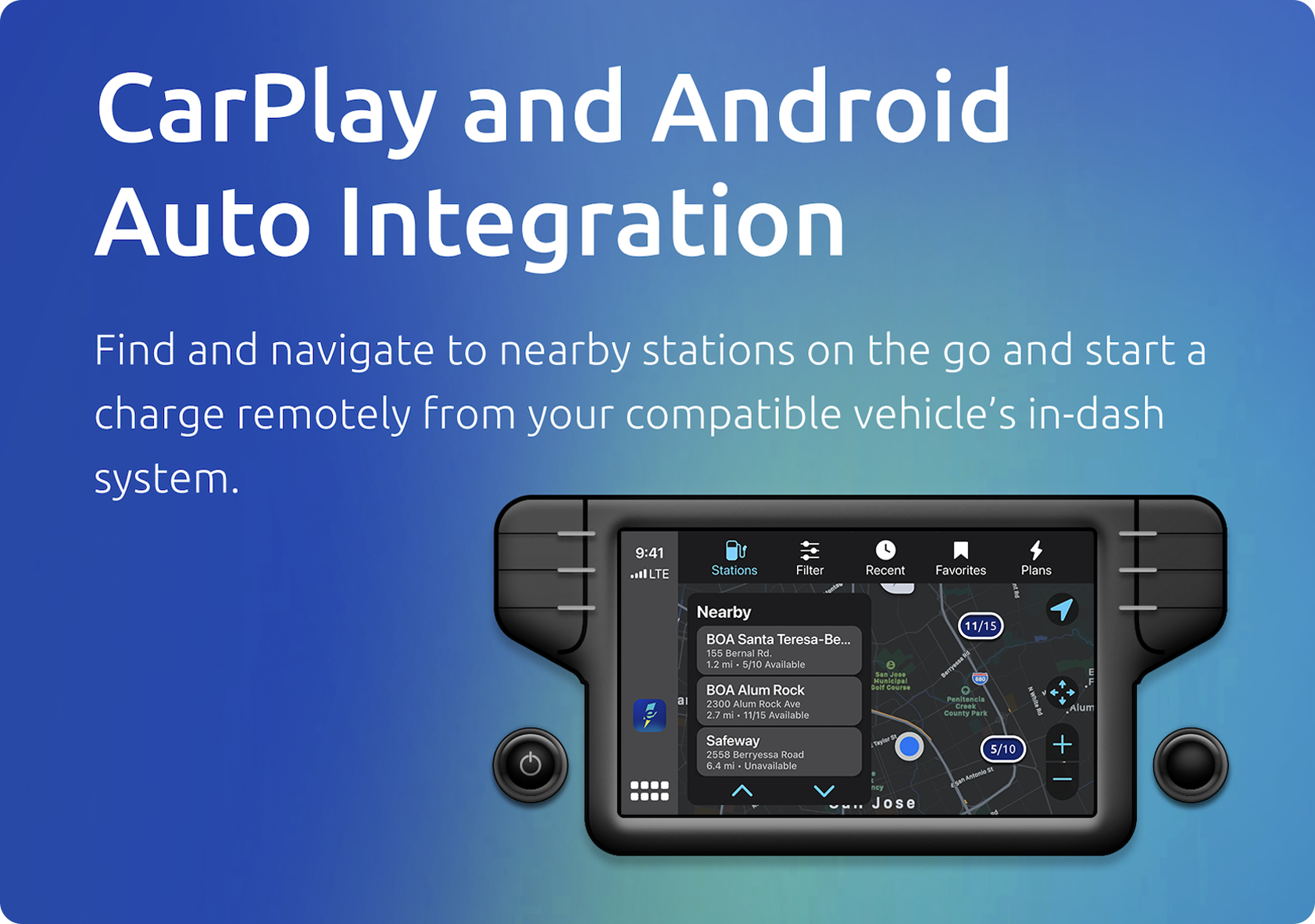
Yes! Please ensure your vehicle is compatible with CarPlay or Android Auto and your phone is up to date. Here are a few ways you can use the Electrify America app in vehicles compatible with CarPlay and Android Auto:
- Navigate to charging stations while on the go
- View charger details
- Manage your charging session
The Electrify America app is supported on both iOS 16+ and Android 9+.