





Frequently asked questions about payment and membership
- Electrify America accepts the following payment methods:
- Visa, MasterCard, American Express, and Discover credit cards
- Visa and MasterCard debit cards
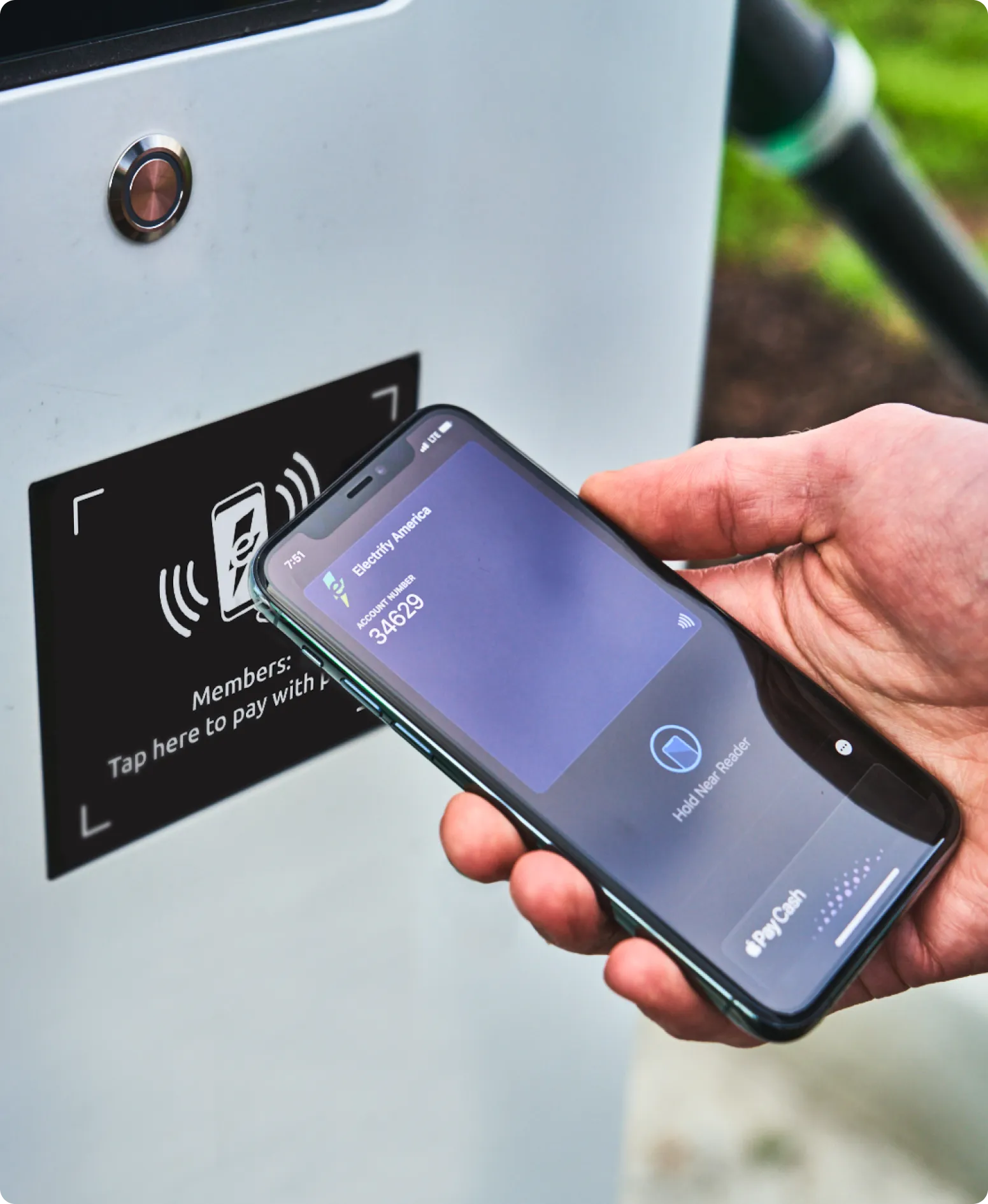
- Apple, Google, and Samsung Pay
Pricing for DC fast charging is determined by charger location, your plan, and the amount of energy delivered.
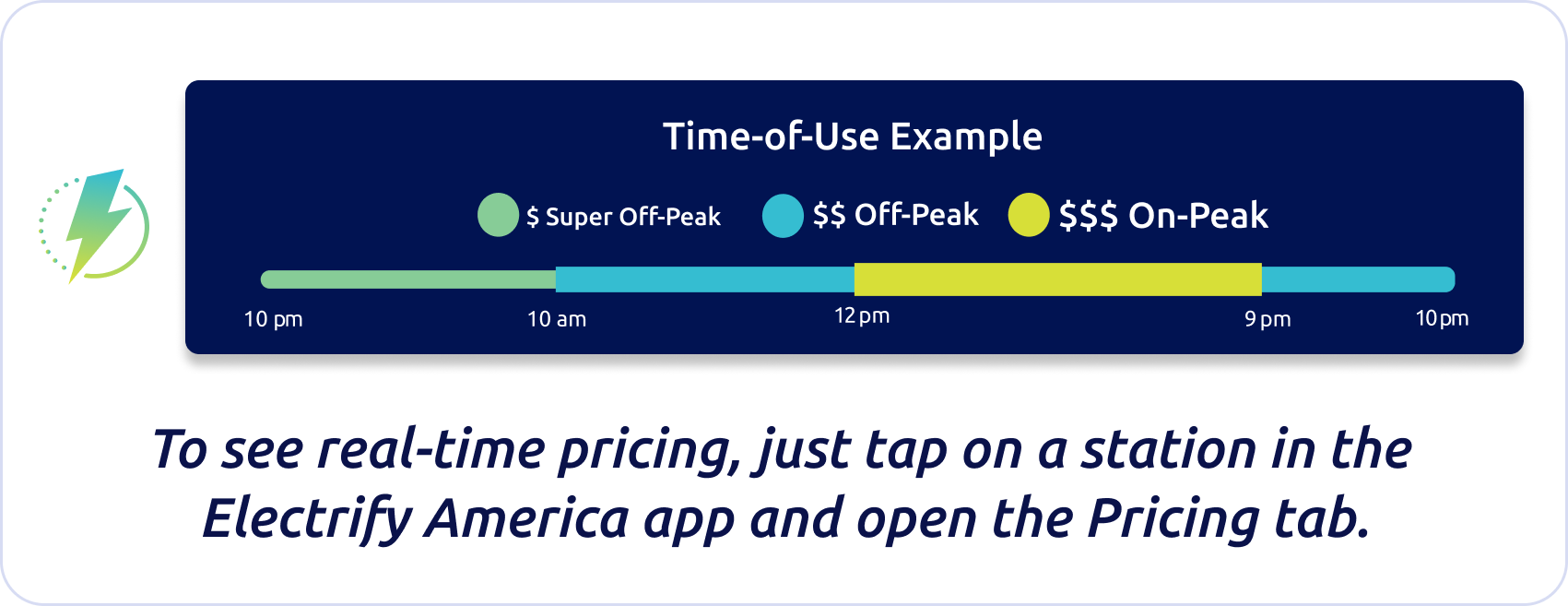
At select stations, where time-of-use (TOU) pricing is implemented, the time of day may impact pricing as well. Select stations with TOU pricing offer lower charging rates during off-peak hours, so drivers can save money when charging demand is low. Off-peak hours and TOU pricing vary by station; check the Electrify America app or the charger’s screen for real-time pricing.
For more details, including power levels and idle fees, check the charger screen or the Electrify America app.
Real-time pricing is available in the app or displayed on the charger before you begin charging. Pricing for DC fast charging is determined by charger location, your plan, and the amount of energy delivered. For more details, including power levels and idle fees, check the charger screen or the Electrify America app.
First, sign up for Electrify America’s Pass or Pass+ membership in the mobile app. After signing up, follow the prompts to add a debit or credit card to your account. All costs for charging, idling, and any applicable taxes will be charged to the payment method saved to your account at the end of your charging session.
To ensure sufficient funds are available, a temporary authorization hold in $20 increments will be placed on the card on file. You will only be charged for the actual cost of charging. Hold release times vary by bank.
If you’re a Pass+ member, your monthly subscription fee will be charged to your credit or debit card when you sign up and deducted monthly thereafter.
Any remaining account balance will automatically be applied to your charging session.
To change membership plans, visit “Plan details'' in the Electrify America app. Please note that a change from Pass+ to Pass, will not be reflected until the next billing cycle. Because of this, your Electrify America Pass+ plan will remain active until the end of the current billing cycle.
If your payment method declines during a charging session, please update it to continue charging your vehicle. If the payment method is invalid, charging will not proceed.
You can update your credit card in the Electrify America app under Account>Payments>Add a Payment Method.
In the app, go to “Plan details” and follow the prompts to upgrade to Pass+ or to change plan types.
Please note that a request to change from Pass+ to Pass membership will go into effect on the first day of the next billing cycle, which coincides with the monthly anniversary of your sign-up date.
Cancel your membership anytime in the app by navigating to your profile and selecting “Delete Account.”
Real-time pricing is available in the app or displayed on the charger before you begin charging. Pricing for DC fast charging is determined by the charger location, your plan, and the amount of energy delivered.
Real-time pricing is available in the app or displayed on the charger before you begin charging. Pricing for DC fast charging is determined by the charger location, your plan, and the amount of energy delivered.
Premium Offer plans that include complimentary charging aren’t affected by these changes. Once your plan expires or you exceed your plan benefits for a session, the remainder of your charging will automatically be billed at our Pass plan pricing. You can choose to enroll in Pass+ for additional savings.
For more information on Canada Charging, please visit Electrify Canada or for Canadian Pricing, please visit Electrify Canada Pricing & Plans .