
How to Charge Your EV
Charging Your EV

Get the Electrify America mobile app


Steps
1
Search for a charging station
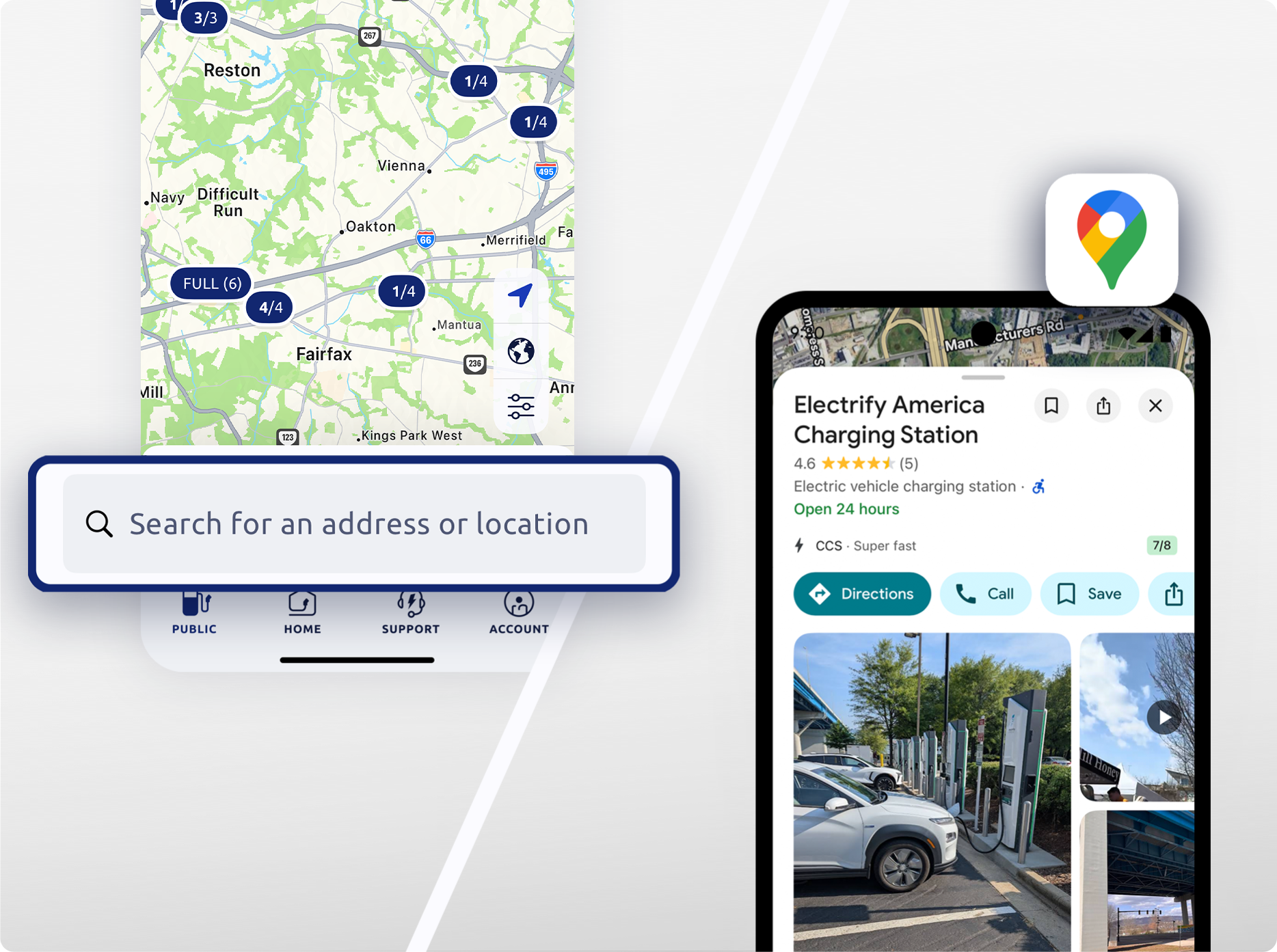
You can search for a charging station in the Electrify America app or by searching directly in Google Maps.

You can view real-time charger status, connector type, and charger speed, within the Electrify America app and Google Maps.
2
Select a charging station

After you’ve parked at the charger, select your charging station in the app.
3
Select a charger
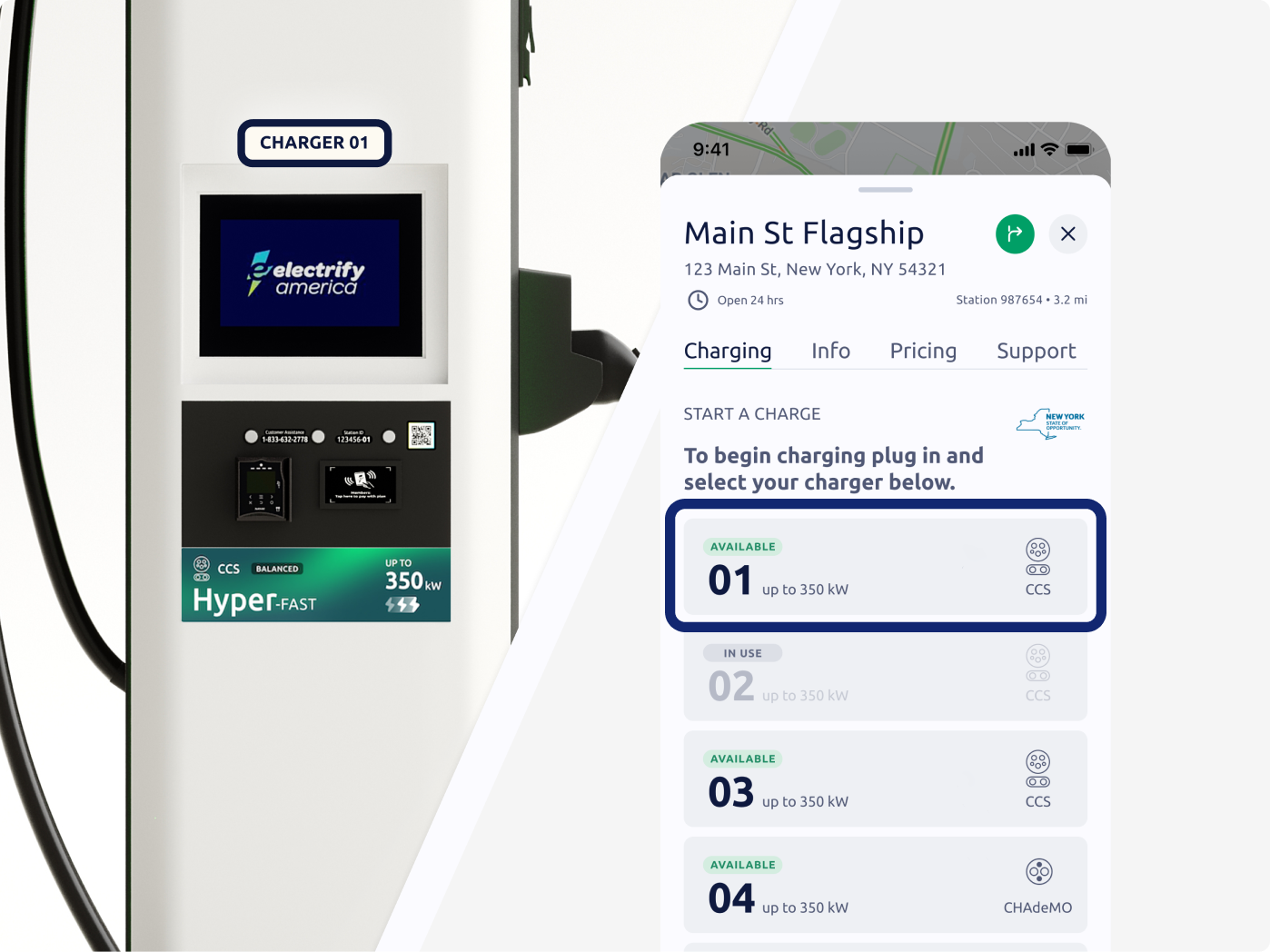
Under the Charging section, confirm the charger number in the app matches the number on your charger.
The charger’s number can be found above the charger screen.
4
Start a charge
Tap to start first
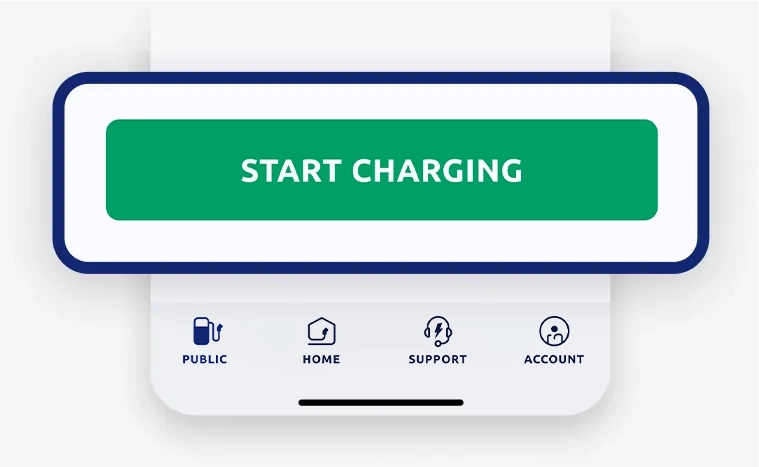
To tap to start first...
- Confirm your payment method or selected membership plan.
- Tap the "Start Charging" button in the app to start a charge.
- Remove the connector from the charger with two hands.
- Firmly push the connector into your vehicle’s charging port until you hear a “click.”
- The “click” means the connector is securely latched, and your vehicle is fully connected.
- It may take a few minutes for your vehicle to start charging.
- To receive detailed updates about your session, tap One-time notifications.
OR
Plug in first

To plug in first...
- Remove the connector from the charger with two hands.
- Firmly push the connector into your vehicle’s charging port until you hear a “click.”
- The “click” means the connector is securely latched, and your vehicle is fully connected.
- In the app, select your preferred charger.
- Tap the "Start Charging" button in the app to start a charge. It may take a few minutes for your vehicle to start charging.
- Charger connector tips

5
Charge
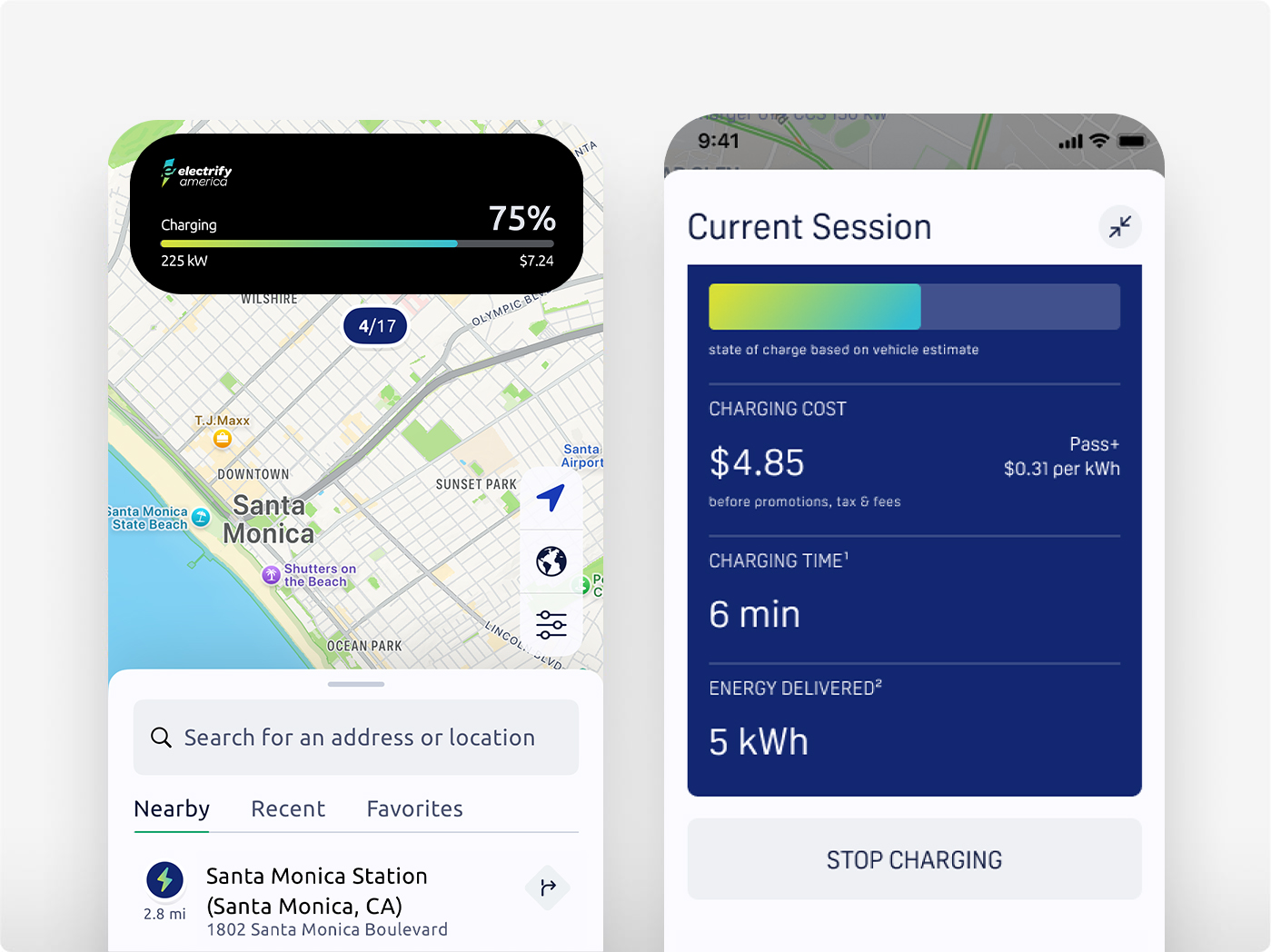
Once you’ve initiated your charge, session details will appear at the top of your phone’s screen and on the charger.
To manually end your charging session, press Stop in the app. Your preferred payment will be charged at the end of your session.